Outcomes. Almost always outcomes. A SaaS product video that leads with features tells viewers what your software does; a video that leads with outcomes tells them why their life gets better. The second one converts. The first one gets watched at 1.5x with the sound off, if it gets watched at all.
That said, "outcomes only" is not the answer either. The best SaaS videos use features as evidence for outcomes, not as the point. Below are the mistakes we see over and over when founders and marketing teams script product videos, and the fix for each one.
Mistake 1: Opening with the product instead of the pain
Most SaaS videos open with a logo, a founder introduction, or a shot of the dashboard. In the first three seconds. Nobody cares yet.
The fix: open on a pain the viewer already feels. A CFO drowning in month-end reconciliations. A support lead watching tickets pile up faster than her team can close them. Name the frustration in plain language before you name the product. Once the viewer feels understood, they will stay for the solution.
Mistake 2: Treating the video like a feature dump
We hear it constantly: "But our product does so much, we have to show all of it." No, you do not. If everything is exciting, nothing is exciting. If everything is loud, nothing is loud.
The fix: pick three features. Not five, not seven. Three. Map each one to a specific pain it removes and a specific outcome it creates. If a feature does not map to a pain the target viewer actually loses sleep over, cut it from the video and put it on the pricing page instead. There is a reason we narrow every SaaS explainer to three feature-to-outcome pairs.
Mistake 3: Describing features in feature language
"AI-powered workflow automation with configurable rule sets" is a data sheet sentence. It is not a video sentence.
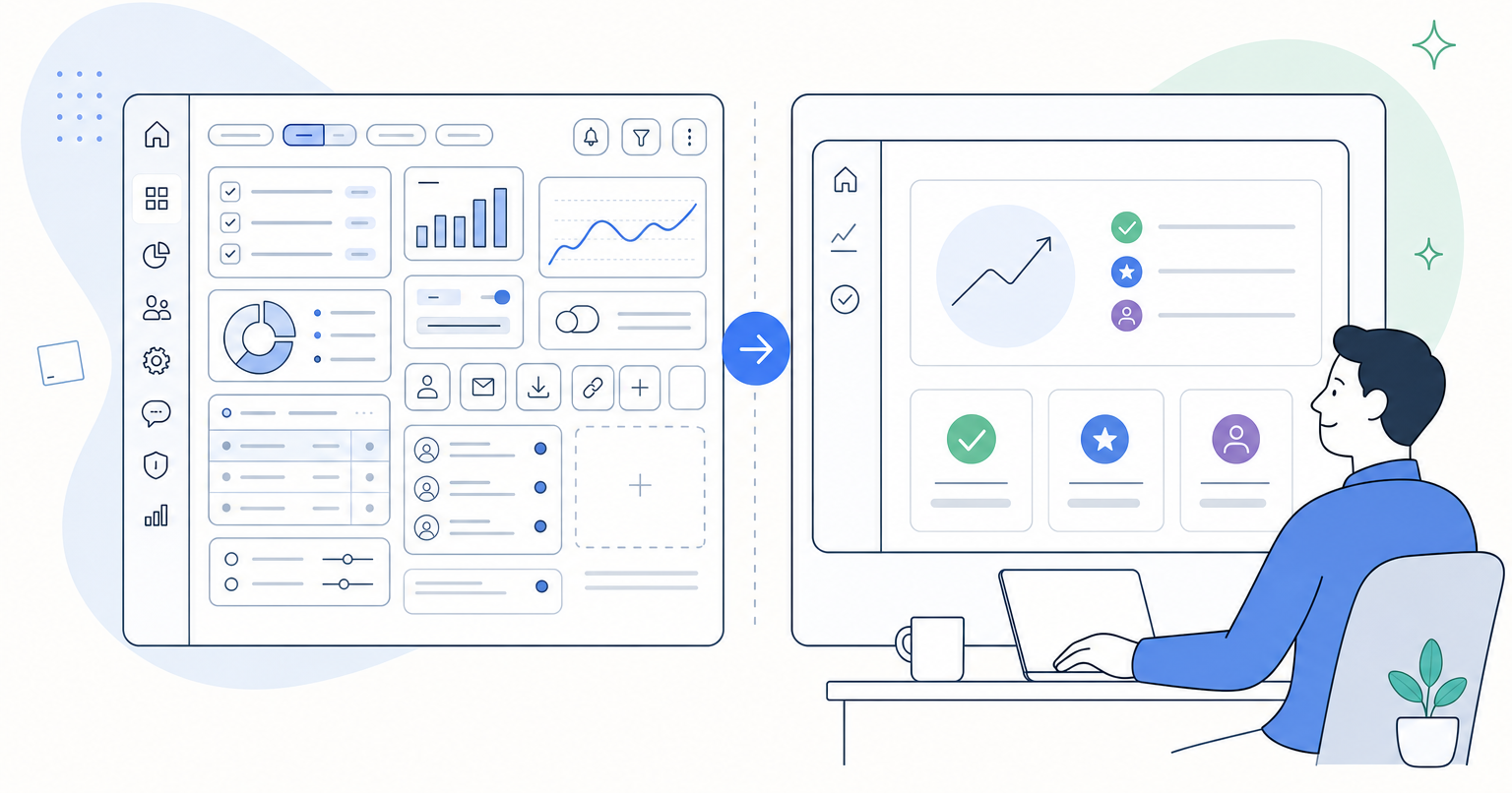
The fix: translate every feature into the outcome it produces for the person watching. "Configurable rule sets" becomes "your team stops copy-pasting the same approval three hundred times a week." Same feature. Completely different weight. The feature earns its place on screen by pointing at the outcome, not by standing alone.
Mistake 4: Skipping the "guide" positioning
Buyers do not want a hero. They want a guide who has done this before. When SaaS videos jump straight from pain to product demo, they skip the credibility beat that makes the viewer trust the recommendation.
The fix: after you name the pain, drop in one or two positioning phrases immediately after the brand name. Who you are, who you help, what outcomes you deliver. Ten seconds, tops. Then earn the demo.
Mistake 5: Editing like a product tour, not a story
A common failure mode: the voiceover is fine, the script is fine, and yet the video feels flat. Usually the edit is at fault. Music runs at one flat energy level from open to close. Cuts land on the beat but not on the meaning. There is no rise, no fall, no punctuation.
The fix: edit the piece like a short film. Map the story's turns, then rearrange the music so the song's energy rises and falls in lockstep with the narrative. When a soundbite lands hard, cut the music out, let a reverb tail carry the silence, then drop the track back in on the next line. Those "impact moments" are the difference between a video that informs and a video that moves.
Mistake 6: Ending on the product instead of the outcome
The last five seconds of a SaaS video are prime real estate. Do not spend them on a URL and a logo bug. Spend them on the future the viewer gets to live in once they buy.
The fix: close on the transformed state. The clean inbox. The team that leaves at 5. The board slide that finally makes sense. Then, and only then, the CTA.
The short version
Features answer "what is it." Outcomes answer "why should I care." Your product video needs both, sequenced correctly: pain first, guide second, three outcome-anchored features third, transformed future last.
If you are staring at a script that reads like a feature list and you already know it is not going to land, that is the moment to bring in a partner. We build SaaS product videos around this exact structure, and a short strategy session is usually enough to see whether your current script is set up to convert or set up to be scrolled past.