Should You Build Your Website With AI Tools or Hire a Developer? A Comparison for Tech and Video Brands
Build it yourself with AI tools if you have no budget, no traffic to lose, and time to learn what you are doing. Hire a developer who uses AI if your site carries video, needs to rank in search and in AI answers, and has to collect user data legally.
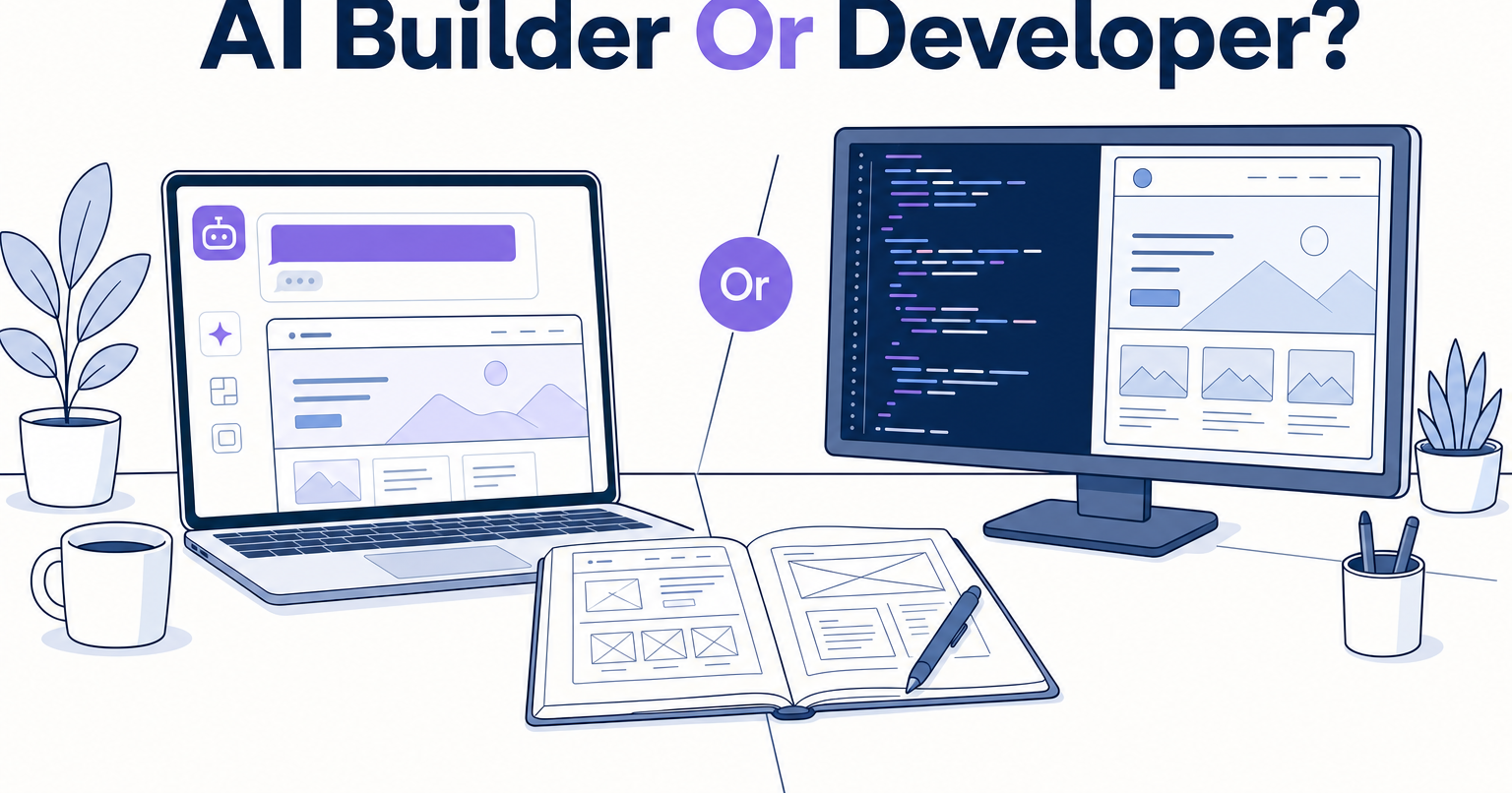
The real comparison is not AI versus human. It is AI pointed by someone who knows what to ask for versus AI pointed by someone guessing. Those two produce very different websites, and the difference does not show up in week one. It shows up in month four.
We went through this ourselves. Our site used to live in HubSpot. The rebuild is custom code, done by a developer with ten years in technology who leaned on AI heavily the entire way. The slow part of that project was not the code. It was us getting him the copy, the logos, the headshots, and the video files.
Here is how the two paths actually differ on the criteria that matter.
Speed to a good-looking page
DIY with AI: fast, at first. You will have something that looks decent in a weekend. Lovable, v0, and ChatGPT are genuinely good at "make me a page like that one."
Developer with AI: also fast, and faster where it counts. The gap opens in round two. DIY builds tend to spiral into redo loops. You like it, then you notice it missed something, then you ask for a fix, then the fix breaks something else, so you redo that too. Every one of those loops is the tax you pay for not having the technical vocabulary to describe what you want. A developer looks at a reference site, recognizes what it is built with, and asks the AI for that specifically. Same tool, different instructions, far fewer laps.
Load speed, especially with video on the page
DIY with AI: this is where video and tech brands get burned. AI will embed whatever file you hand it. The hero video you exported for a client review is not too large for a client review, but it is enormous for a homepage. Nobody told the AI to downsize the resolution, so nobody did.
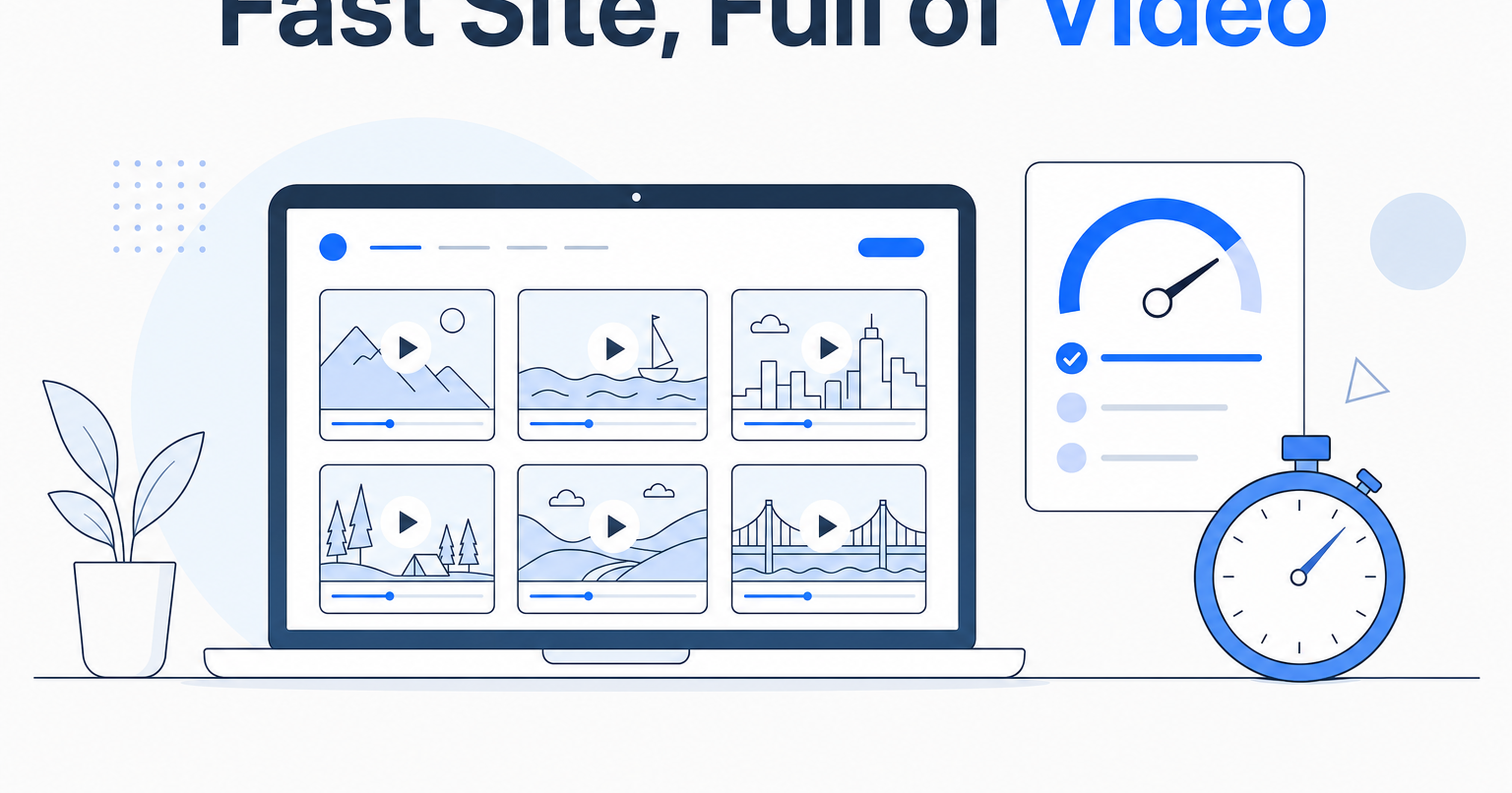
Developer with AI: on our site the small autoplay cards on the homepage live in the same repository as the code, each one re-encoded down to exactly the resolution that card needs and nothing more. Click a card and the full-screen playback is embedded from a video platform. Ours is Wistia; YouTube or Vimeo works identically. That split matters. Small silent loops with no player controls belong inside the site. Full-screen playback belongs on a platform built to stream it.
We were skeptical about this. A homepage stacked with video work sounds like a guaranteed slow site. Built this way, on desktop and mobile, it is not.
Legal and analytics compliance
DIY with AI: the quiet risk, and the one that actually has teeth. Plenty of small brands drop Google Analytics onto a site they built themselves and never add the notice telling visitors the site uses cookies and analytics. You are now collecting and tracking user data without disclosing it. The AI did not warn you, because you did not ask.
Developer with AI: the disclosure, the cookie modal, and analytics verification are deployment steps, not an afterthought. And verification is not box-checking. Tracking that fires incorrectly is worse than no tracking, because you will make decisions on it.
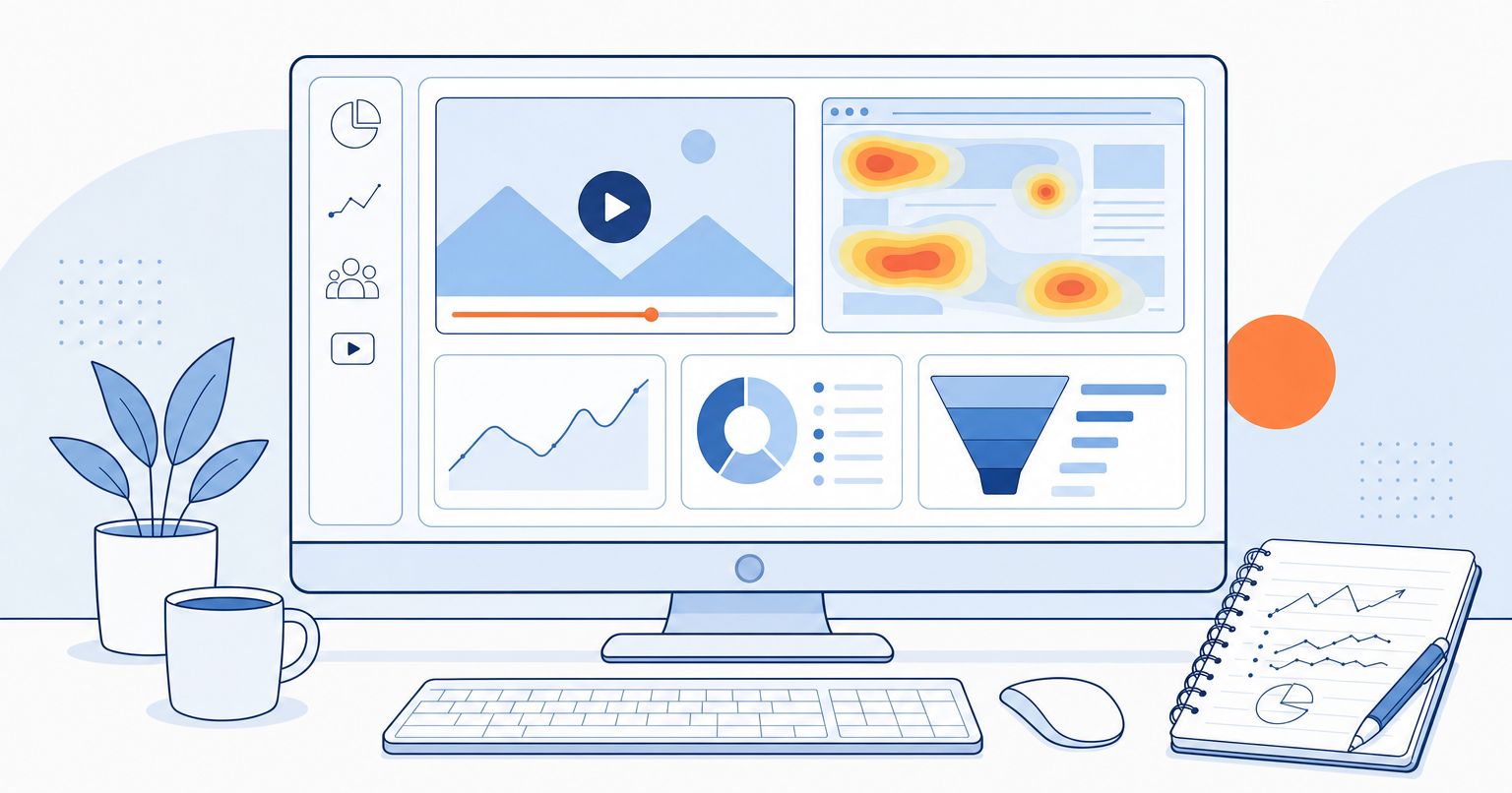
Clean data is also the only reason the interesting tools pay off. We run Microsoft Clarity alongside Google Analytics for session recordings and heatmaps, and the most useful thing it surfaces is dead clicks: visitors clicking something that goes nowhere. If people keep clicking a video thumbnail that is not clickable, that is not a user error, that is the site fighting the visitor's instinct. Make it clickable. You cannot find that in a traffic chart. That is the thinking behind treating performance tracking as part of the build rather than a bolt-on.
SEO and AI search visibility
DIY with AI: you will get pages. Whether they are structured to be found is a separate question, and structural flaws are the expensive kind. You usually discover them months in, once the architecture is baked, and by then the simple fix is no longer simple.
Developer with AI: custom code removes the ceiling. Framer and Webflow are real tools, and no-code platforms are easy to get moving in. But custom code carries no platform limitations on SEO or AI visibility, and the animation and design level we wanted would have taken far longer to reach in those platforms than it did in code. One caveat worth stating plainly: traditional SEO compliance is still the foundation under all of it. Nobody skips straight to AI visibility.
What the developer path actually looks like
Worth knowing before you decide, because "hire a developer" sounds vaguer than it is. On a build like ours it runs through five stages, and one person who is genuinely a software engineer can cover all of them. You only need to split these into separate roles if you are shipping fifty or a hundred sites.
- Client communication. Send the information, the videos, the profile pictures, the copy. If the client provides nothing, nothing gets built. This is the stage clients underestimate, and it is almost always where the calendar goes.
- Research. Your inspiration references get analyzed first. Then competitors in your space get pulled apart. In our case that meant other video agencies, specifically how they present the value of what they do.
- Design and development, together. With AI in the loop these are no longer sequential jobs handed between two people. They happen at the same time, on top of that research.
- Options, not one answer. We were shown two homepage directions built on the same brand guidelines, presented differently. We went back and forth, then picked one and built out the rest of the site from it. If a client likes neither, that is not a crisis. It is back to research and a harder conversation about what you actually want, with examples.
- Deployment. Final thumbs up, access handed over, push to your domain, cookie modal in place, analytics confirmed as writing correctly. Then live.
The part nobody compares: what happens after launch
This is the argument we underrated going in. Custom code is easier to run than the platform we left, not harder.
- New landing pages. Adding a service means adding a page, not fighting a template.
- Handing it to your team. A non-developer on staff can be taught to make changes to it.
- Permissions. The friction on a big platform with a CRM bolted to it is rarely the building. It is someone unable to upload an image because nobody knows which permission unlocks it.
If your roadmap includes a page per service, per feature, or per campaign, weigh that maintenance cost as heavily as the build cost.
So which should you pick?
Pick DIY with AI if you are pre-revenue, experimenting, and treating the site as a learning project. Genuinely, go for it. Just make sure you understand what you are shipping.
Pick a developer if your homepage carries video, you are competing for search and AI answers, you are tracking visitor behavior, or a rebuild in eighteen months would cost more than doing it properly now.
AI did not make developers optional. It made hiring one dramatically faster and cheaper than it was three years ago. That is the actual news. If you want to talk through what a build like ours would look like for your brand, start a conversation.