You can load a homepage with autoplaying video and still have it feel instant. The trick is that the video a visitor sees while scrolling and the video a visitor chooses to watch are two different assets, hosted two different ways. Silent preview loops get compressed and served from your own build at the exact pixel size the card renders. Full films sit behind a click on a dedicated player that only loads when someone asks for it. Then you give search engines text to read, because a video file by itself indexes as nothing.
We had this exact argument during our own rebuild. The brief was to show a wall of moving work on the first screen, scene after scene, so nobody has to be told we make video. The obvious worry was that a page stuffed with clips would crawl. It did not, because of how it was built rather than how much video was on it. Here is the method.
Step 1: Sort your video into loops and films
Write down every clip you want on the page and mark each one as one of two things.
- Ambient loops: three to eight seconds, muted, no audio track at all, existing purely to create motion and texture. Hero background, grid cards, section transitions.
- Films: the reel, the brand story, the testimonial. Content with sound, a beginning, and a reason to sit still for ninety seconds.
Everything after this depends on that split. Treating a two minute brand film like wallpaper is what kills homepages.
Step 2: Export loops at the size they actually render, not the size they were mastered at
What comes out of an edit bay is mastered for playback quality, not for a browser on a phone with two bars. Those are different jobs and they want different files. Every loop needs to be downsized to the resolution its card genuinely needs. A card that displays at 480 pixels wide does not need a 4K master, and the visitor cannot tell the difference at that size.
Strip the audio track, since a muted loop carrying an audio stream is pure waste. Encode in a modern codec with an MP4 fallback. Set a poster frame so the first paint is an image, not an empty box. Aim to land a short loop in the low hundreds of kilobytes; if any single one is measured in megabytes, it has not been optimized, it has just been shrunk.
Those finished loops then live in the site's own repository and ship with the build, served off the CDN your host already gives you. We deploy on Netlify, but the specific host matters less than the principle: no third party player script is involved in your first screen.
Step 3: Only play what is on screen
Autoplay everything at once and you have handed the browser a dozen simultaneous decode jobs. Use lazy loading plus an intersection observer so a clip starts when it scrolls into view and pauses when it leaves. Muted and playsinline attributes are required for autoplay to work on iOS at all. On slow connections, fall back to the poster image. Visitors will never notice the fallback. They will absolutely notice a two second stall.
Step 4: Put the real films behind a click on a hosted player
Make the grid card a click target, and have that click open the full piece in a hosted player. YouTube, Vimeo, and Wistia all work; pick based on whether you care more about reach or about clean playback with no suggested videos at the end. The point is that the heavy player script, the adaptive bitrate ladder, and the watch analytics only load for the people who asked to watch. Self-hosting a ninety second film with sound gives you bandwidth costs and no playback data in exchange for nothing.
This is also where length discipline pays off, and homepage films and paid ad cuts are not the same edit. We went into that split in homepage versus paid ad video length.
Step 5: Give crawlers something to read
Search engines and AI answer engines cannot watch your reel. If your homepage is mostly moving pictures, the indexable substance has to come from real headings, real body copy, captions, and transcripts on the pages where the films live. Add VideoObject structured data with a thumbnail, duration, and description for each film. SEO compliance is the foundation that AI search visibility sits on, and there is no way around it. A gorgeous silent page ranks for nothing.
Step 6: Instrument it, and do the legal part while you are in there
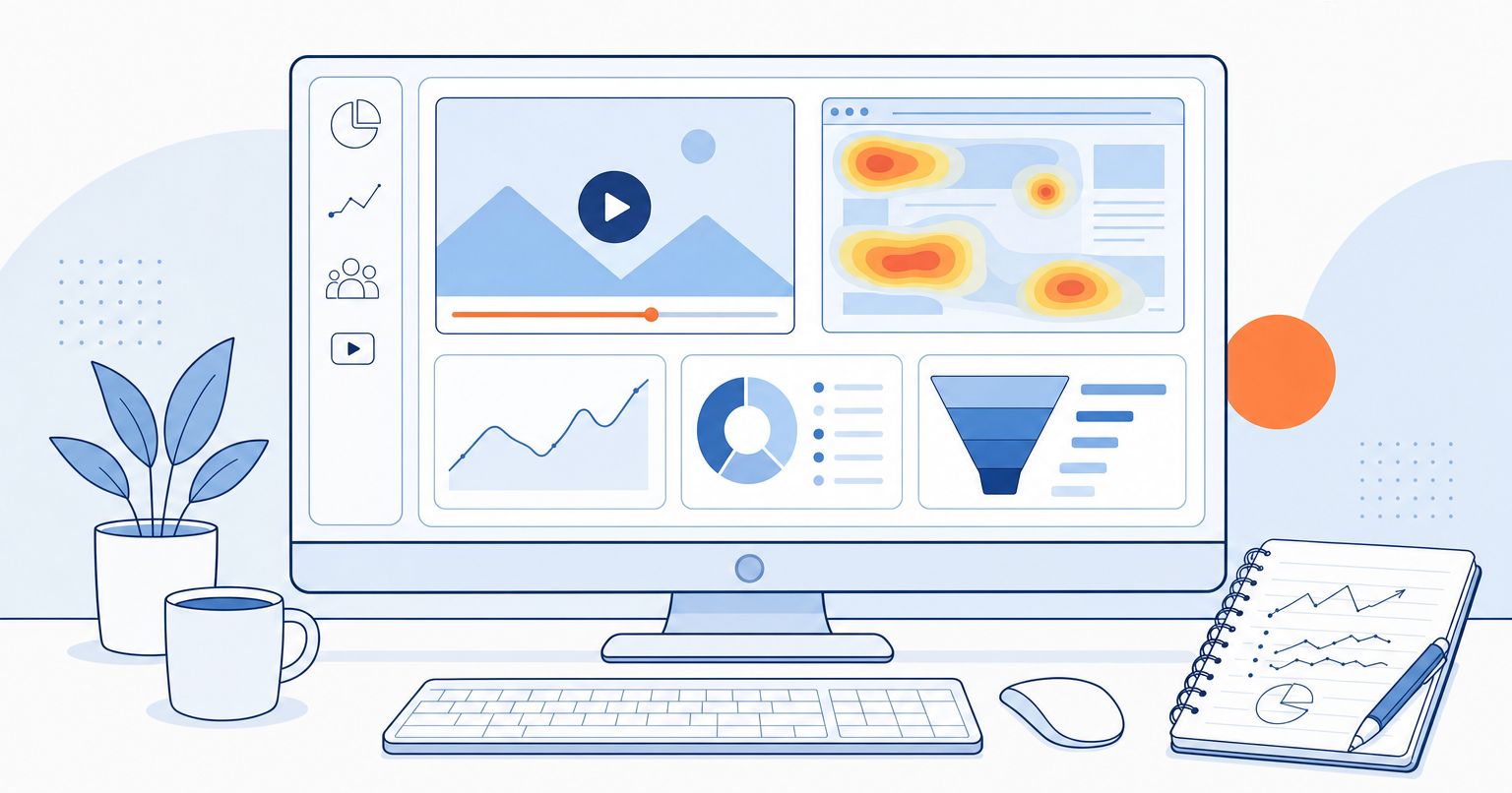
Google Analytics tells you who arrived and how long they stayed. Pair it with a session recording and heatmap tool so you can see what people actually did. Watch for dead clicks: visitors clicking a loop that is not clickable is a clear signal to make it clickable. And if someone sits through the full reel and then books a call, that is the sequence worth optimizing for.
One thing that gets skipped constantly on self-built sites: the moment you drop in an analytics tag, you are collecting user data, and you owe visitors a cookie and analytics notice. We have seen plenty of otherwise good-looking sites shipped without one. It takes an afternoon to add and it is a genuinely bad thing to discover late.
Why the platform choice decides your ceiling
Our old site was on HubSpot, and Wix before that. Moving to custom code removed the limits on SEO and AI search optimization, and made the load speed and the animations possible at the same time. That combination is the trade builder platforms quietly force.
To be fair to them, Framer and Webflow are good tools, easy to manage, and there are decent SEO add-ons for both. You could probably get close to this on either one. It would just take considerably longer to build, and you would still hit a wall somewhere the platform decided for you. In custom code there is no wall.
The catch is that this only works with someone who knows what to ask for. AI coding tools make a build like this dramatically faster, but they hand you exactly what you requested, which is not much help if you did not know to request lazy loading, a poster frame, or a cookie banner. We wrote more about choosing between AI tools and a developer if you are weighing that call.
If you want to see the result, our homepage is the test case, and the full pieces are here. If your hero reel is the thing your site does not have yet, that part we can help with.