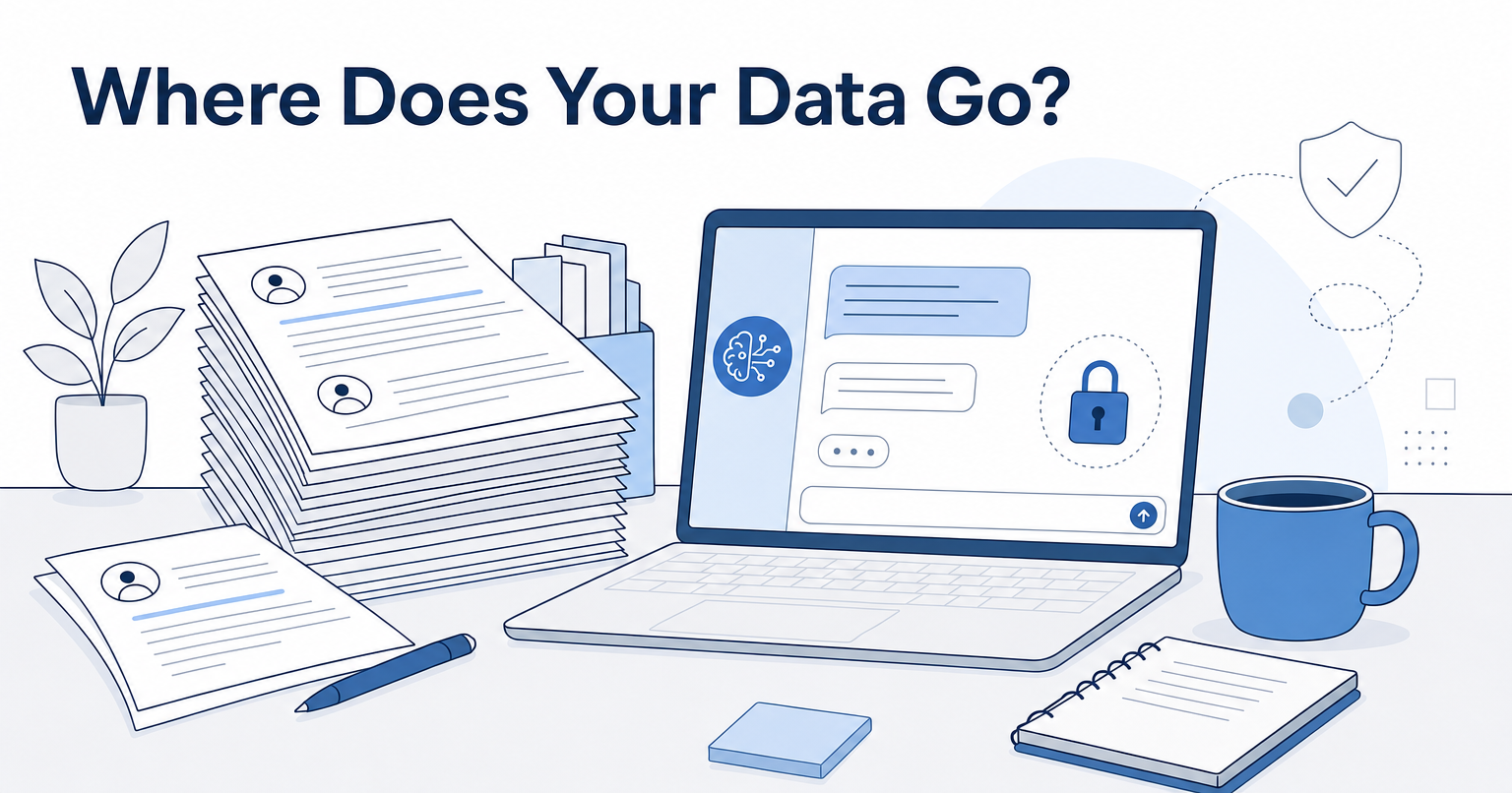
The short answer: the business and enterprise tiers from Anthropic, OpenAI, Microsoft, and Google all contractually exclude your inputs from model training by default. The free consumer versions of those same products often do not. The tier you are on matters more than the brand on the login screen, and that distinction is what most marketing teams get wrong when legal finally asks where the customer interview transcript went.
We run into this constantly. A brand lead wants to hand us raw interview transcripts, a positioning doc, a product roadmap, and an unreleased pricing page so the script actually sounds like the company instead of a press release. Then security asks a fair question: once that lands in an AI tool, who else can see it? Here is how we answer, and which tools we actually trust with client material.
What "won't train on your data" actually has to mean
Three clauses do the real work. Everything else is marketing copy.
- Training exclusion by default, not by toggle. If you have to find a setting and switch it off, someone on your team will forget. Enterprise and API tiers usually exclude training contractually, with no setting to miss.
- Tenant or workspace isolation. Your uploaded material should be reachable only by your own account. Not pooled, not embedded into a shared index, not used to improve outputs for another customer.
- A stated retention window. "We don't train on it" and "we delete it" are different promises. Ask how long inputs are stored for abuse monitoring, and whether a human can read them.
Add a fourth if you touch video at all: subprocessors. Transcription tools routinely hand your audio to a third party, and that third party has its own terms. We have caught this twice on tools that advertised enterprise-grade privacy on the pricing page.
The tools we trust with client material
Claude (Team, Enterprise, or the API)
Anthropic's published policy is that it does not use API inputs and outputs to train its models by default, and the business tiers carry the same exclusion. The long context window is the practical draw: you can paste a full 60-minute interview transcript in one go instead of chunking it into pieces and losing the thread of the conversation.
Best for: script drafting, soundbite selection, and long-document work. Verdict: our default for anything with a client's name on it.
ChatGPT Team, Enterprise, or the OpenAI API
The business products are excluded from training. The free and Plus consumer tiers are not, unless someone opens data controls and turns it off.
That gap is the single most common compliance leak in marketing departments, and it is not malice. The person using it does not know there are two different products behind the same logo. If you standardize on OpenAI, the work is not picking the tier, it is killing the shadow use of free accounts on personal logins.
Best for: teams already standardized on OpenAI. Verdict: solid, with a governance problem attached.
Microsoft 365 Copilot
Prompts and responses stay inside your Microsoft tenant and inherit the permissions already sitting on your SharePoint and Teams files. If your brand guidelines and customer research already live in Microsoft, nothing new leaves the building.
Best for: enterprises with a mature Microsoft estate. Verdict: the easiest sell to a security team, the weakest at creative writing.
Gemini for Google Workspace
Workspace content processed by Gemini falls under your existing Workspace agreement rather than the consumer Gemini terms. Same logic as Copilot, different building.
Best for: Google-native companies. Verdict: convenient, not distinctive.
A private knowledge base instead of a chat window
This is the option most teams overlook, and it is the one that changes the output rather than just the paperwork.
Instead of pasting the same context into a chat every time, you upload your transcripts, positioning docs, and any long-form material you have authored once, into a knowledge base only your account can query. We run our own content this way through Clarity Search AI. No models are trained on the uploaded material, and each client's knowledge base stays self-contained to that client.
The effect on quality is the part people do not expect. One customer of the platform uploaded two full books they had written, and the system now generates content derived from that material, constrained so it never contradicts the advice in the books. That is what isolation actually buys you. Your IP stays yours, and the writing stops sounding like the same six AI blog posts everyone else published this quarter. If you want the longer argument about where AI tooling helps and where it needs a human who knows what to ask, we wrote that up here.
Best for: brands whose voice lives in proprietary material. Verdict: the version of AI content worth doing at all.
Local models via Ollama or LM Studio
The model runs on your own hardware. Nothing transmits anywhere. Quality trails the frontier models noticeably, and someone on your team has to maintain it, which in practice means it gets stale by month three unless you assign an owner.
Best for: unreleased product details and legal-adjacent material. Verdict: the right answer when the answer has to be "it never left the laptop."
Before you upload anything
Search the vendor's terms for the phrase "to improve our services." That wording is often broad enough to cover model training even when the marketing page says the opposite in plain English. Then go find out whether someone on your team is quietly running the same job through a free-tier account.
We hold ourselves to this. Client interview transcripts and soundbite selection run through tools with training exclusions in writing, because a testimonial recorded under NDA does not get a second chance at confidentiality.
If your team is being asked to hand scripts, transcripts, and internal docs to an outside agency, ask us the same questions your security team would ask. We are happy to put the answers in writing.